
Cloud Backup Services Comparison – Expert Review 2025
Choosing the right IT backup and security solution can feel overwhelming when every provider promises reliability, speed and peace of mind. Some focus on local support while others pack in advanced automation or bundle everything into a single platform. There are options that suit growing businesses looking for flexible help as well as those built for large enterprises with strict security requirements. Curious which features really make a difference or how different approaches might shape daily operations and long term security? The answers might surprise you.
Table of Contents
Techtron
At a Glance
Techtron is a Cape Town and Johannesburg‑based managed IT provider built for professional service firms and medium‑sized organisations. It combines fully managed and co‑managed IT, cloud services for Microsoft 365 and Azure, proactive cybersecurity and backup/recovery into a single, locally supported offering. Bottom line: if you need reliable, enterprise‑grade IT without the overhead of an internal team, Techtron is purpose‑built for that mission.
Core Features
Techtron delivers a broad stack: fully managed IT services, co‑managed IT support, data backup and recovery, cybersecurity and threat monitoring, firewall and network security management, remote support services, Microsoft Office 365 implementation, Microsoft Azure cloud management, server and network monitoring, plus hosting solutions (dedicated and virtual servers). These capabilities are bundled with infrastructure management and proactive monitoring to reduce downtime and preserve business continuity.
Pros
- Comprehensive service coverage: Techtron covers everything from desktop support to cloud and hosting, so you get consolidated accountability rather than juggling multiple suppliers.
- Local presence for fast onsite support: With teams in Cape Town and Johannesburg, Techtron can escalate onsite when remote remediation isn’t enough. That reduces risk and shortens mean‑time‑to‑repair.
- Flexible engagement models: Fully managed and co‑managed options let you pick the right level of control and cost for your current IT maturity.
- Proactive security posture: Continuous threat monitoring and network security services shift security from reactive patching to ongoing prevention.
- Transparent monthly approach: Techtron emphasises inclusive monthly pricing and no hidden costs, simplifying budgeting for finance and operations teams.
Who It’s For
Techtron targets medium‑sized professional service companies—especially engineering and financial firms—with 20 to 300 staff that need dependable, compliant IT without expanding internal headcount. It’s ideal for organisations that require local support, strong Microsoft cloud integration, and outsourced responsibility for backups, disaster recovery and network security.
Unique Value Proposition
Techtron’s unique value is the combination of local, accountable support with enterprise‑grade cloud and security capabilities tailored to professional firms. Unlike generic MSPs that focus only on remote ticketing or feature marketplaces that require integration work, Techtron bundles hands‑on support in Cape Town and Johannesburg with end‑to‑end services: secure Azure and Microsoft 365 management, continuous threat monitoring, and resilient backup and disaster recovery. This reduces vendor sprawl, centralises compliance controls and shortens incident resolution cycles. Techtron’s inclusive monthly pricing is a deliberate design choice: it simplifies forecasting for finance teams and makes total cost of ownership predictable. The company’s co‑managed option is another differentiator — it lets internal IT teams retain strategic control while outsourcing routine ops, creating a practical bridge for firms scaling their IT capabilities. In short: Techtron trades complexity for a single accountable partner focused on continuity, security and cloud efficiency.
Real World Use Case
A medium‑sized engineering firm handed Techtron its IT operations to cut internal overhead and tighten security. Techtron implemented Office 365 and Azure management, set up continuous backup and disaster recovery, and deployed firewall monitoring. Outcome: fewer service outages, faster restoration in the event of incidents, and clearer compliance reporting — allowing engineers to focus on projects, not passwords.
Pricing
Quote‑based — pricing details are not published on the website; interested customers are encouraged to contact Techtron for a tailored quote.
Website: https://techtron.co.za
Datto
At a Glance
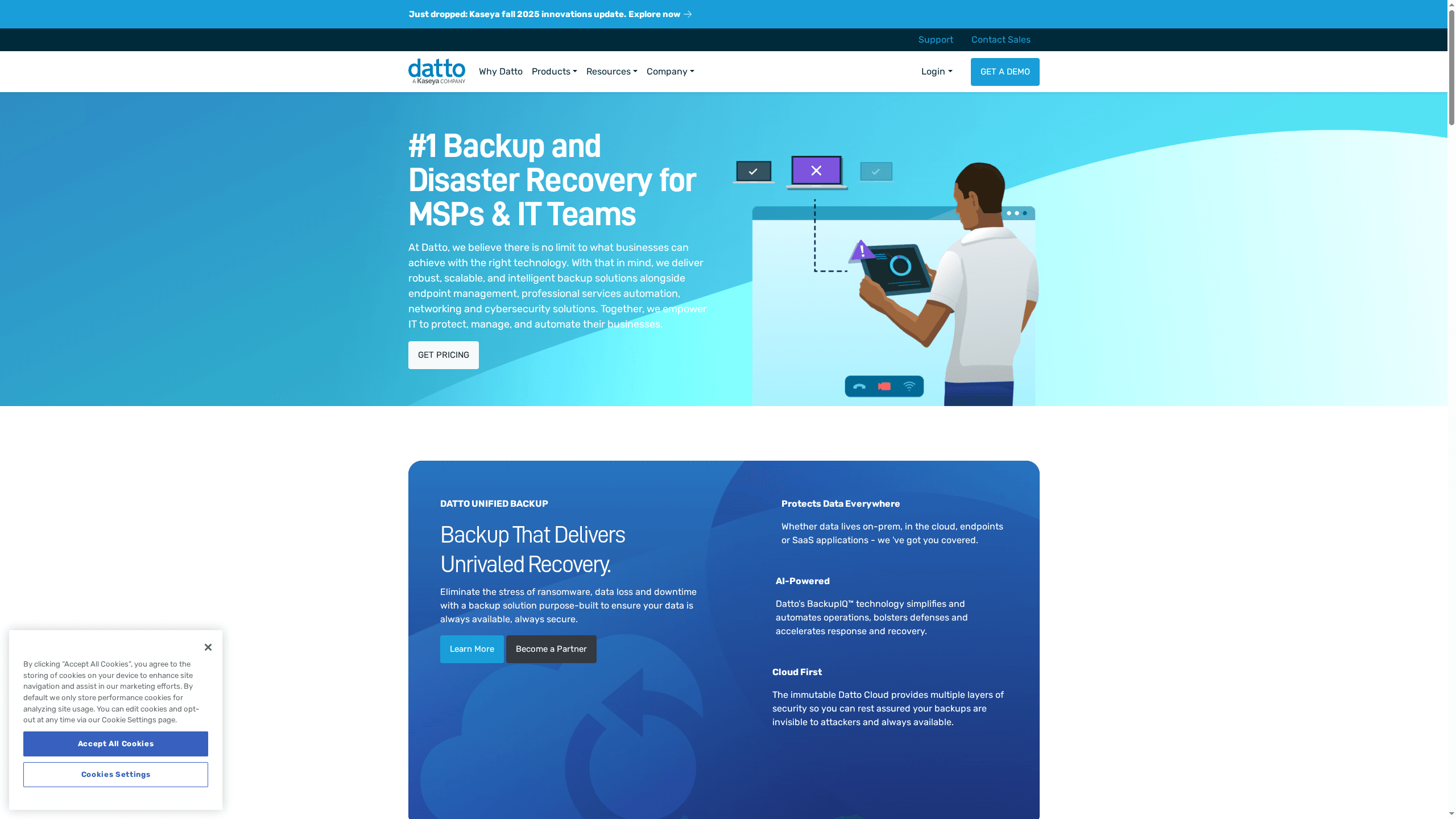
Datto is a full-spectrum IT platform built for Managed Service Providers (MSPs) and IT teams that need resilient backup, disaster recovery and centralised management. It combines backup and disaster recovery, endpoint management, PSA, networking and cybersecurity into a single, integrated stack. The solution scales well for multi-client MSP environments but has a learning curve for teams new to unified platforms. Expect strong security posture and automation, with commercial pricing set for MSP engagements.
Core Features
Datto delivers unified backup and disaster recovery, endpoint management and monitoring, professional services automation (Autotask PSA), plus networking and cybersecurity tools. It includes AI-powered backup management (BackupIQ) technology, unified Microsoft 365 management, and automation and scripting to reduce repetitive operational tasks. The platform is designed to integrate tightly across Datto services so MSPs can manage backups, devices and tickets from the same operational plane.
Pros
- Robust and scalable backup solutions: Datto’s architecture is built to protect multiple clients and large datasets with enterprise-grade redundancy.
- Comprehensive IT management platform: The combination of RMM, PSA and backup tools reduces tool sprawl and centralises operational control.
- Strong security features including ransomware detection and protection: Datto includes layered defences and detection that help minimise downtime after an incident.
- Cloud-first approach with multiple layers of security in Datto Cloud: Storing recovery points in a secured cloud reduces on-premises single points of failure.
- Integration capabilities that streamline operations: Native integrations across Datto modules reduce manual handoffs and improve incident response times.
Cons
- Complex product suite that may require training to utilise fully: The breadth of features demands a structured onboarding plan to achieve operational efficiency.
- Pricing may vary and is tailored for MSPs, requiring direct inquiry for detailed costs: You need to engage Datto or a partner for accurate quotes rather than selecting a simple published plan.
- Limited direct consumer offerings, mainly focused on MSPs: If you are a single, small internal IT team looking for consumer-grade simplicity, Datto may feel more than you need.
Who It’s For
Datto is designed for Managed Service Providers, co-managed IT teams and small-to-medium business IT departments that require scalable, secure and automated IT solutions. If you manage multiple client environments or distributed endpoints and need integrated backup, RMM and PSA workflows, Datto fits well.
Unique Value Proposition
Datto’s unique value lies in its integrated stack that ties backup, endpoint management and professional services automation into a single operational model, backed by AI-driven backup intelligence. That integration reduces administrative friction and accelerates recovery across multiple customer estates.
Real World Use Case
An MSP deploys Datto’s backup solutions alongside its RMM and Autotask PSA to deliver continuous backups, automated monitoring and rapid disaster recovery for dozens of small business clients, ensuring minimal downtime and quicker post-incident restoration.
Pricing
Quote-based
Website: https://datto.com
Acronis
At a Glance
Acronis combines backup, disaster recovery and cybersecurity into a single platform aimed at organisations and service providers that need integrated protection and continuity. It’s notable for serving over 21,000 service providers and for a global footprint of data centres, which supports scale and local compliance. The platform excels where consolidation matters: backup, EDR and endpoint management under one pane of glass. That said, complexity and cost can be barriers for smaller teams.
Core Features
Acronis offers cyber protection for service providers with backup, disaster recovery, cybersecurity, and endpoint management, centred around Acronis Cyber Protect Cloud which consolidates those capabilities in one platform. The product set covers home, business and enterprise needs — from backup and DR to endpoint detection and response (EDR), email and collaboration security, plus integrations with third-party tools. A cloud-native architecture supports large workloads and leverages extensive partner support and global data centres to ensure continuity and scalability.
Pros
- Acronis provides a comprehensive suite of integrated cybersecurity and data protection solutions that reduce tool sprawl and simplify operations for IT teams.
- The company holds strong industry recognition and certifications, which supports procurement and compliance conversations with auditors and regulators.
- Acronis has a global presence with extensive data centres and a network of service providers, enabling consistent delivery and geographic redundancy.
- Innovative AI-powered threat detection and response capabilities help detect and remediate modern threats faster than legacy backup-only approaches.
- Flexible solutions are available for a wide range of users, from home consumers to large enterprises, allowing tailored packages for different risk profiles.
Cons
- The breadth of features increases complexity and may require significant expertise to deploy and manage effectively, especially for organisations without mature IT teams.
- Cost can become a consideration for small businesses or individual users depending on the package and scale of deployment.
- Some browser incompatibility issues reported on certain sites can temporarily hinder access and administrative workflows.
Who It’s For
Acronis is best suited to Managed Service Providers and medium to large enterprises that need a unified cyber protection platform and have the skills to operate it, or access to outsourced IT teams that can manage complexity. It also fits organisations that require global reach and partner-delivered services rather than single-site, lightweight backup tools.
Unique Value Proposition
Acronis’s unique value lies in tightly integrating backup, disaster recovery and cybersecurity into a single cloud-native platform, backed by a large ecosystem of service providers and global data centres. That integration reduces detection-to-response times and centralises management for heterogeneous estates — a strong advantage for organisations prioritising continuity and consolidated control.
Real World Use Case
A managed service provider deploys Acronis Cyber Protect Cloud across multiple clients to deliver combined backup, cybersecurity and disaster recovery services, ensuring continuous protection, faster incident response and standardised compliance across diverse IT environments.
Pricing
Quote-based; free trials are available.
Website: https://acronis.com
Veeam
At a Glance
Veeam is a clear market leader in data resilience, trusted by more than 550,000 customers and used by 67% of the Global 2000. It focuses on protecting business continuity through immutable backups, fast recovery, portability and a security-first approach aimed at ransomware and complex multi-cloud environments. The offering reads like an enterprise-grade safety net — powerful, comprehensive and engineered for scale. That said, pricing and support details are not specified in the provided content, which means procurement decisions will require direct vendor engagement.
Core Features
Veeam’s core capabilities centre on resilient backup and swift recovery: immutable copies to protect against tampering, industry-leading recovery point and recovery time objectives (RPOs and RTOs), and portability that avoids vendor lock-in across cloud and on-premises platforms. Security is woven in via zero trust principles, while data intelligence features help you manage and gain insights from protected assets. In short: backup, recovery, portability, security and intelligence — all framed around keeping operations running no matter what.
Pros
- Market leadership and trust: Veeam’s substantial market share and customer base demonstrate broad enterprise trust and validation.
- Comprehensive platform coverage: The solution protects data across multi-cloud, hybrid and on-prem environments, making it suitable for complex estates.
- Security and resilience focused: Immutable backups and zero trust principles target modern threats like ransomware and sophisticated attacks.
- Flexible deployment options: Organisations can deploy in cloud or on-premises configurations, giving architectural flexibility to match governance and latency requirements.
- Proven at scale: The presence in a large portion of the Global 2000 indicates the product handles large, regulated and mission-critical workloads.
Cons
- No pricing transparency in the provided data: The content does not specify any pricing structure, which complicates cost planning and TCO comparisons.
- Limited visibility on support levels: The available information lacks specifics on customer support tiers, SLAs, or managed-service options.
- Enterprise focus may not suit smaller firms: The emphasis on large-scale resilience suggests complexity and potential cost that could be excessive for small businesses.
Who It’s For
Veeam is aimed squarely at large enterprises and organisations that need robust data resilience across hybrid, multi-cloud and on-premises environments. If you run regulated systems, operate mission-critical infrastructure, or must demonstrate rapid recovery and strong security controls to stakeholders, Veeam fits that brief. Smaller organisations should weigh complexity and cost carefully before committing.
Unique Value Proposition
Veeam’s unique value lies in combining proven market leadership with feature breadth: immutable protection, rapid recovery, platform portability and integrated data intelligence. That combination reduces vendor lock-in risk while prioritising continuity and security for complex, distributed estates.
Real World Use Case
A global corporation uses Veeam to recover critical systems rapidly after cyber incidents, maintain data portability across multiple cloud providers, and enforce zero trust controls to reduce breach risk. This enables continuity of operations and helps meet regulatory and compliance obligations.
Pricing
Not specified in the provided content; contact Veeam for detailed, quote-based pricing and licensing information.
Website: https://veeam.com
Barracuda Networks
At a Glance
Barracuda Networks delivers a broad, enterprise-grade cybersecurity stack that’s straightforward to deploy and manage. It combines email, data, network and application protection with 24/7 managed XDR and award-winning support, making rapid incident detection and response realistic for busy IT teams. The platform’s strength is comprehensive coverage across major threat vectors, but pricing and plan minima require direct consultation. Practical, reliable, and engineered for organisations that need protection without endless complexity.
Core Features
Barracuda’s core capabilities include targeted email protection against ransomware and business email compromise, data protection designed to reduce loss and downtime, and Managed XDR that provides continuous threat detection and response. Network protection delivers threat prevention, secure remote access and connectivity controls, while application security covers websites, applications and APIs. Together these features form an integrated security fabric that can be deployed quickly and overseen from a single management plane.
Pros
- Fast deployment and simple management: Most products are designed to be bought, set up and used within minutes, lowering the initial operational burden on IT teams.
- Broad, integrated protection: The portfolio addresses email, data, network and application threats, reducing gaps that often occur with multiple point solutions.
- Highly user‑friendly platform: Built with manageability in mind, the platform is described as the industry’s easiest to manage, which matters when you have limited security staff.
- Responsive 24/7 support: Continuous support with no phone queues helps speed incident resolution and reduces downtime.
- Proven at scale: Barracuda is trusted by hundreds of thousands of businesses worldwide, indicating maturity and wide operational experience.
Cons
- Opaque pricing requires sales engagement: Specific prices are not listed and require consultation or custom quotes, which slows budget planning.
- Minimum usage constraints on some plans: Certain products may impose minimum usage requirements, complicating procurement for smaller deployments.
- Insufficient public detail for deep comparisons: Further technical details are needed to fully evaluate feature-level limits or integration nuances against competitors.
Who It’s For
Barracuda suits organisations of all sizes that need comprehensive, easy-to-manage cybersecurity—particularly businesses and managed service providers that want integrated protection across email, data, network and applications without long deployment projects. If you need 24/7 managed detection and a vendor with broad market experience, Barracuda is a practical choice.
Unique Value Proposition
Barracuda combines rapid deployability, broad threat coverage and continuous managed detection into a single offering that reduces operational overhead for IT teams. The real selling point is the combination of an easy-to-manage platform with around-the-clock detection and award-winning support — a strong value for organisations prioritising continuity and fast response.
Real World Use Case
A school district implemented Barracuda to secure email from targeted threats while also protecting student and administrative data, network access and web applications; Managed XDR provided continuous monitoring and rapid incident handling so IT staff could focus on core services rather than threat triage.
Pricing
Quote-based — pricing is flexible with per user/month, pay-as-you-go and custom options for larger or MSP clients; prospective customers should contact sales or partners for detailed quotes.
Website: https://barracuda.com
Carbonite by OpenText
At a Glance
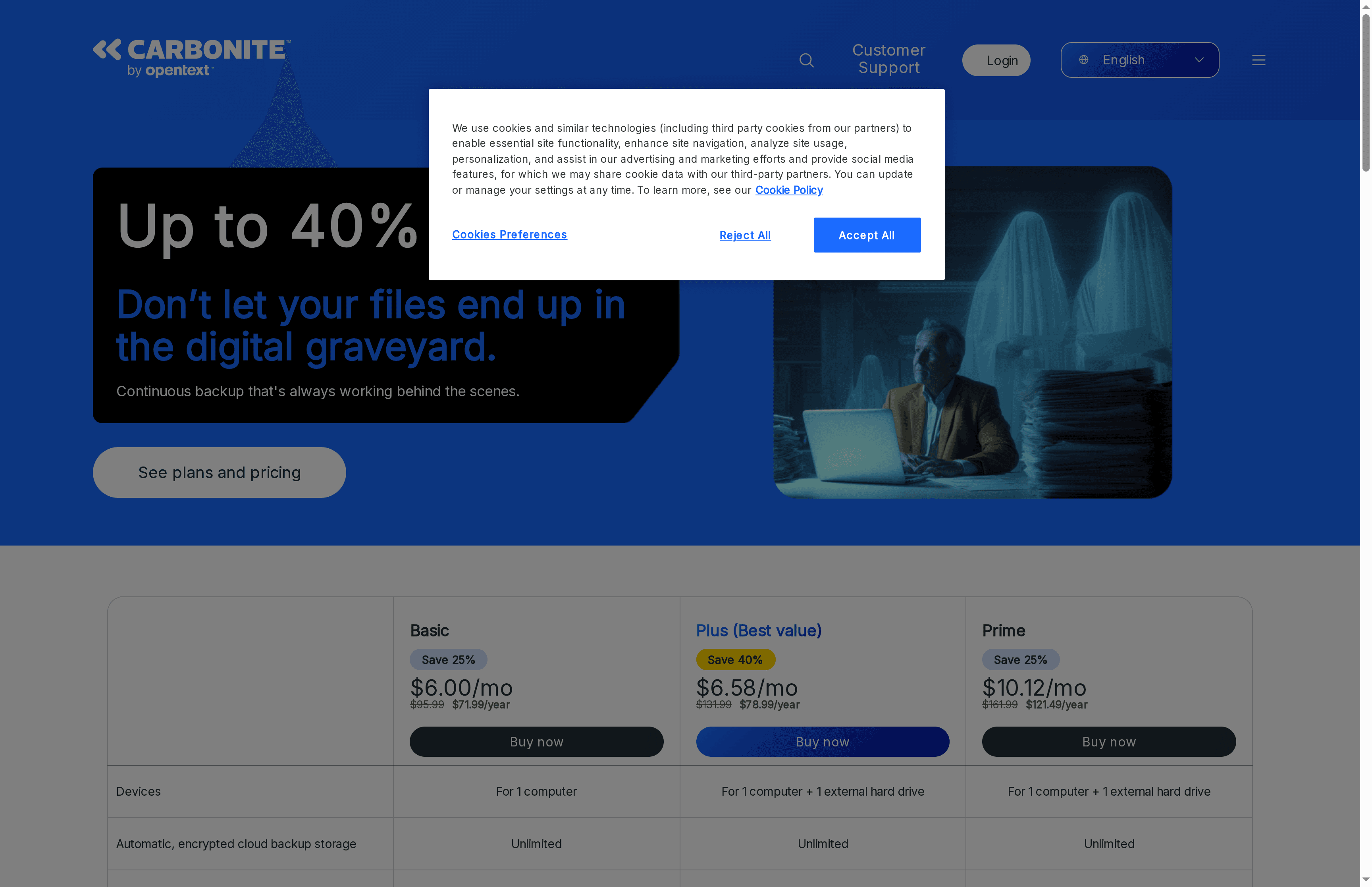
Carbonite by OpenText is a straightforward cloud backup service focused on reliable, continuous protection for personal computers and small-business endpoints. It emphasises unlimited backup for documents, photos, music and videos, with simple recovery through a web browser or mobile app. If your priority is uncomplicated, always-on backup with baseline encryption and generous storage, Carbonite delivers — though some business-grade features come at extra cost.
Core Features
Carbonite provides automatic, encrypted cloud backup storage with unlimited capacity for typical user files: documents, photos, music and videos. Recovery can be initiated from a web browser or the mobile app, simplifying restores after hardware failure or disaster. Security is enforced via 128-bit encryption, and the client supports Windows 7+ and OS X 10.10+ devices. Multiple plan levels are available so you can scale from basic personal protection to higher-tier plans that include additional capabilities.
Pause. Think about that for a moment.
Pros
- Easy data recovery process from web or mobile apps: Recovering files through Carbonite’s browser or mobile interface is designed to be straightforward, reducing downtime after an incident.
- Unlimited backup storage capacity: Unlimited storage for common file types removes the need to manage quotas or prune archives regularly.
- Built-in 128-bit encryption for data security: Data is encrypted so your backups are protected from casual interception or exposure in transit and at rest.
- Reliable backups for documents, photos, music, and videos: The service targets the file types organisations most commonly lose, ensuring routine assets are consistently captured.
- Positive customer reviews and high satisfaction: The product is noted for satisfying users who prioritise simplicity and dependable restores.
Cons
- Additional fees may apply for courier delivery of recovered files: Physical courier recovery is useful after severe incidents but can add unexpected costs to your recovery budget.
- Some advanced features geared towards business users are extra cost or in professional tiers: Organisations requiring server-level tools or enhanced business continuity features may need to upgrade to paid professional solutions.
- Pricing options vary and may be pricier than basic competitors: Basic plans start affordably, but total cost can rise when you add higher-tier features or business-focused capabilities.
Who It’s For
Carbonite suits home users and small businesses that want a low-friction backup solution with unlimited storage for everyday files. IT managers at smaller companies who need predictable, automated backup for desktops and external drives — without a complex management stack — will find Carbonite fits well. Larger organisations with strict compliance or advanced server backup requirements may find it less comprehensive unless they select higher-tier plans.
Unique Value Proposition
Carbonite’s standout value is its combination of unlimited file backup, simple recovery options and built-in encryption delivered in a user-friendly package. For teams that prioritise straightforward protection over deep customisation, it offers predictable behaviour and a familiar restore path via browser or mobile.
Real World Use Case
After a catastrophic incident such as hardware failure or home damage, a user can restore irreplaceable photos and documents from Carbonite’s cloud quickly via the web portal or mobile app, avoiding permanent loss and reducing recovery time.
Pricing
Starting at approximately $6.00/month or $71.99/year for basic backup; higher plans and professional features carry additional costs.
Website: https://carbonite.com
Mimecast
At a Glance
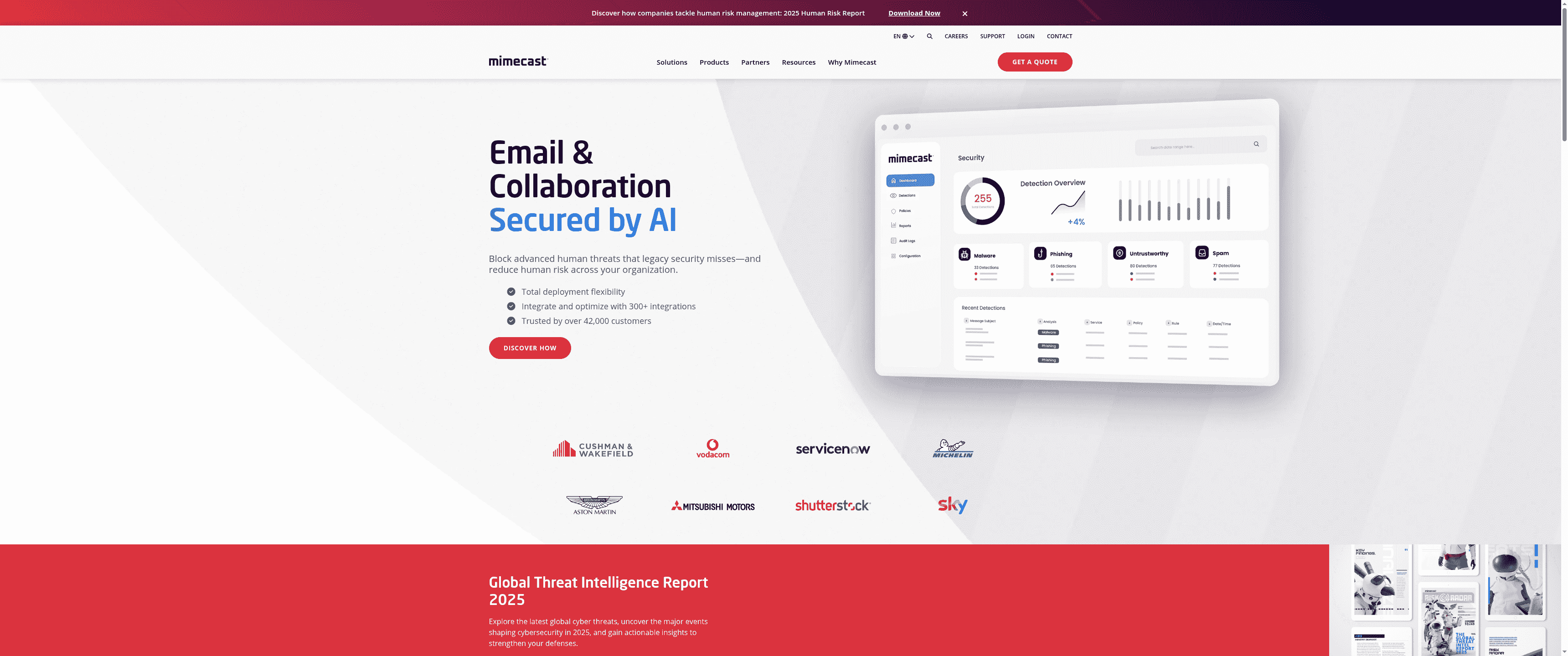
Mimecast combines AI-driven email security with a central human risk management approach to reduce successful phishing and other email-borne attacks. Its Human Risk Command Center and large integration ecosystem make it a strong choice for organisations that must protect high-value data and manage employee cyber risk. That said, deployment and pricing transparency can be hurdles for mid-sized IT teams without dedicated security resources.
Core Features
Mimecast’s platform centres on AI-powered threat prevention and a central human risk management engine that prioritises the human factors attackers exploit. The Human Risk Command Center provides targeted assessments of user behaviour and likely exposure, while global threat intelligence—processing over 7 billion signals daily—keeps detection current. Mimecast also offers broad interoperability, integrating with more than 300 cybersecurity platforms to feed and consume contextual risk data across your security stack.
Pros
- Advanced AI integration for real-time threat prevention: The platform uses AI to identify and block sophisticated email threats as they emerge, reducing dwell time for malicious actors.
- Extensive partner network and integrations: Integration with over 300 cybersecurity tools helps Mimecast slot into existing environments and extend visibility across systems.
- Trusted by a large global customer base: More than 42,000 organisations rely on Mimecast, which signals proven scale and enterprise familiarity.
- Comprehensive focus on human-related risk: The product specifically targets human error and risky behaviours, helping reduce the most common vector for breaches.
- Regular threat intelligence updates: Continuous processing of billions of signals daily supports timely, data-driven risk reports and alerts.
Cons
- Complexity of integration may require dedicated technical support: Implementing Mimecast’s full capabilities often needs specialist skills or vendor engagement, which can increase deployment time.
- Pricing details not specified publicly and may be costly for some organisations: With no clear pricing published, budgeting requires vendor contact and may reveal enterprise-level cost structures.
- Primary focus on email and human risk means other security areas are less emphasised: If you need a single vendor to manage broad endpoint or network controls, Mimecast’s scope is narrower.
Who It’s For
Mimecast is aimed at organisations seeking advanced email security and human risk management—especially financial services, engineering firms, and other businesses holding high-value or highly regulated data. It suits IT teams that can allocate or access specialist security resources and that need integrations across an existing cybersecurity stack.
Unique Value Proposition
Mimecast’s unique value lies in combining AI-driven email defences with a centralised human risk command capability and expansive integrations. This blend focuses not just on blocking threats but on profiling and reducing the human behaviours that enable attacks, backed by massive global telemetry.
Real World Use Case
A large financial institution uses Mimecast to intercept targeted email attacks, integrate threat feeds with internal security tooling, and run employee-awareness programmes informed by the Human Risk Command Center to reduce successful phishing incidents.
Pricing
Not specified on website
Website: https://mimecast.com
MSP360
At a Glance
MSP360 is a versatile backup and IT-management suite built for managed service providers (MSPs) and internal IT teams who need broad platform support and centralised control. It combines data protection, endpoint management, RMM and remote access into a single ecosystem that supports cloud, local and hybrid deployments. The platform’s strength is its flexibility: multiple storage targets and dedicated products for Microsoft 365 and Google Workspace make it practical for mixed environments. Expect sensible pricing entry points, but be prepared to evaluate tiers carefully for advanced Microsoft 365 features.
Core Features
MSP360 supports Windows, macOS, Linux, SQL Server, Hyper-V and VMware, and offers backup for Microsoft 365 and Google Workspace with centralised management. It integrates with a wide set of storage options — Amazon S3, Wasabi, Backblaze B2, Microsoft Azure, Google Cloud, and local devices — enabling hybrid retention strategies. The product set also includes remote monitoring and management across desktop and server OSes and remote access clients for Windows, macOS, iOS and Android. In short: backup, RMM and remote access are bundled into a single toolchain aimed at MSPs and larger IT teams.
Pros
- Supports multiple platforms and storage options, allowing you to protect diverse server and endpoint estates without forcing a single-cloud lock-in.
- Cloud and local storage integration provides flexible data-management policies that suit compliance and cost goals for different clients.
- Dedicated products for popular services like Microsoft 365 and Google Workspace make it easier to manage SaaS data protection separately from full-system backups.
- Centralised management consoles give MSPs and large IT departments a single pane of glass for backups, monitoring and remote tasks, reducing administrative overhead.
- Offers a range of tiers suitable for personal, small business and MSP use, which helps teams scale from single-site deployments to multi-client service operations.
Cons
- Specific limitations on backup types for certain platforms or services are not detailed, which means you must validate feature parity for complex workloads before committing.
- Pricing details for some offerings are provided only as starting points or ranges, so total cost of ownership can require deeper engagement to reveal.
- Some features, such as SharePoint/Teams/share drives backup for Microsoft 365, are not included in all tiers, requiring careful tier selection if you depend on those workloads.
Who It’s For
MSP360 is aimed at IT professionals, MSPs and organisations that need comprehensive, scalable data protection combined with endpoint management and remote access. If you manage multiple clients or sites, or you run a mid-sized business with mixed on-prem and cloud workloads, MSP360 delivers the tools to standardise backups, monitor health and remotely troubleshoot devices.
Unique Value Proposition
MSP360’s unique value is the convergence of backup, RMM and remote-access capabilities with broad storage compatibility. That convergence means fewer tools to integrate, faster response times for technicians and consistent policies across heterogeneous environments — a real advantage when you’re managing tens or hundreds of endpoints.
Real World Use Case
An MSP managing multiple client networks can deploy MSP360 to back up client data to the storage of choice, monitor servers and workstations for health and performance, and remotely access devices to resolve incidents — all from centralised consoles. This reduces travel, speeds remediation and standardises backup SLAs across customers.
Pricing
Starting at $19.99/year for basic backup; from $24/user/year for Microsoft 365 backup; Connect remote access from $89.99/year.
Website: https://msp360.com
IT Management and Cybersecurity Tools Comparison
This table provides a comprehensive comparison of IT management and cybersecurity tools, focusing on features, pros, cons, and pricing to help you choose the right solution for your needs.
| Feature/Tool | Key Features | Pros | Cons | Pricing |
|---|---|---|---|---|
| Techtron | Managed IT services, co-managed IT, cloud services, cybersecurity, Microsoft 365, Azure. | Comprehensive service, local support, flexible engagement, proactive security, transparent pricing. | Pricing requires quote. | Quote-based |
| Datto | Backup and disaster recovery, endpoint management, PSA, AI-powered backup management. | Robust backup solutions, comprehensive IT platform, strong security, cloud-first approach. | Complex suite requires training, pricing for MSPs, focus on MSP market. | Quote-based |
| Acronis | Backup, disaster recovery, cybersecurity, endpoint management, Acronis Cyber Protect Cloud. | Integrated cybersecurity and data protection, strong global presence, AI threat detection. | Increased complexity, higher cost for small businesses, some browser issues. | Quote-based, free trials |
| Veeam | Backup and recovery, immutable copies, multi-cloud portability, zero trust security. | Market trust, comprehensive platform coverage, strong security, flexible deployment. | Pricing not specified, limited support visibility, enterprise focus. | Not specified |
| Barracuda Networks | Email, data, network and application protection, managed XDR, 24/7 support. | Fast deployment, integrated protection, user-friendly management, responsive support. | Opaque pricing, minimum usage constraints, limited detail for comparisons. | Quote-based |
| Carbonite by OpenText | Cloud backup for PCs and small business endpoints, unlimited storage, 128-bit encryption. | Easy recovery, unlimited storage, built-in encryption, reliable backups. | Courier fees for recovery, additional costs for business features, pricing higher than some competitors. | Starting at $6.00/month |
| Mimecast | AI-driven email security, human risk management, global threat intelligence, integrations. | Advanced AI security, extensive integrations, focus on human risk, trusted globally. | Requires dedicated support, costly for some, primary focus on email. | Not specified |
| MSP360 | Data protection, endpoint management, RMM, remote access, integration with major cloud storage. | Supports multiple platforms, cloud and local integration, dedicated Microsoft 365 and Google Workspace products. | Limitations on certain backups, some feature tiers not clearly detailed, careful tier selection needed. | Starting at $19.99/year |
Secure Your Business Future with Expert Cloud Backup and Managed IT Support
Choosing the right cloud backup service is critical for businesses aiming to protect sensitive data and maintain seamless operations. This comparison highlights common challenges such as managing complex backups, ensuring ransomware resilience, and balancing cost with comprehensive protection. If you are feeling overwhelmed by multiple vendors or frustrated with slow recovery times it is time to consider a more integrated approach.
At Techtron, we understand these pain points and deliver tailored, enterprise-grade IT solutions designed for professional firms. Our fully managed and co-managed services provide you with proactive backup, disaster recovery and cybersecurity support all under one locally backed partner. With strong Microsoft 365 and Azure integration alongside continuous threat monitoring and transparent monthly pricing, Techtron simplifies IT management and reduces downtime so you can focus on growing your business.
Ready to stop worrying about data loss or security breaches discover how our backup and disaster recovery services combined with expert managed IT support can safeguard your digital assets today. Don’t wait for an incident secure your peace of mind now with Techtron. Reach out to us for a tailored quote and take the first step towards reliable, worry-free cloud backup and IT management.
Frequently Asked Questions
What should I consider when choosing a cloud backup service?
When selecting a cloud backup service, consider factors such as data security, storage capacity, ease of recovery, and pricing structure. Evaluate how well the service meets your specific backup needs and compliance requirements to make an informed choice.
How do cloud backup services handle data recovery?
Most cloud backup services provide user-friendly recovery options that allow you to restore files quickly and easily through a web interface. Familiarize yourself with the recovery process to ensure you can retrieve lost files efficiently, typically within minutes.
Can I backup multiple devices with a single cloud backup service?
Yes, many cloud backup services support backing up multiple devices under one account, streamlining management and data protection. Check the service’s terms to understand any limitations on the number of devices or requirements for triggering backup processes.
What are the costs involved in using cloud backup services?
Cloud backup services often operate on subscription models, charging monthly or annually based on the storage capacity you require. Calculate your anticipated storage needs to budget effectively, keeping in mind that adding features could increase costs by approximately 10-30%.
How secure is my data with cloud backup services?
Security levels vary by provider, but reputable cloud backup services typically offer encryption both during data transfer and at rest, ensuring your data remains protected. Review the provider’s security measures to assess potential risk and consider enabling additional authentication for enhanced access control.
Is there a limit on how much data I can back up with cloud services?
Most cloud backup services offer different tiers of storage capacity, often with limits on their basic plans. Determine your backup needs and choose a plan that accommodates your data volume, which can range from a few hundred gigabytes to several terabytes based on your usage.