

How to Manage Remote Access for Secure Business IT
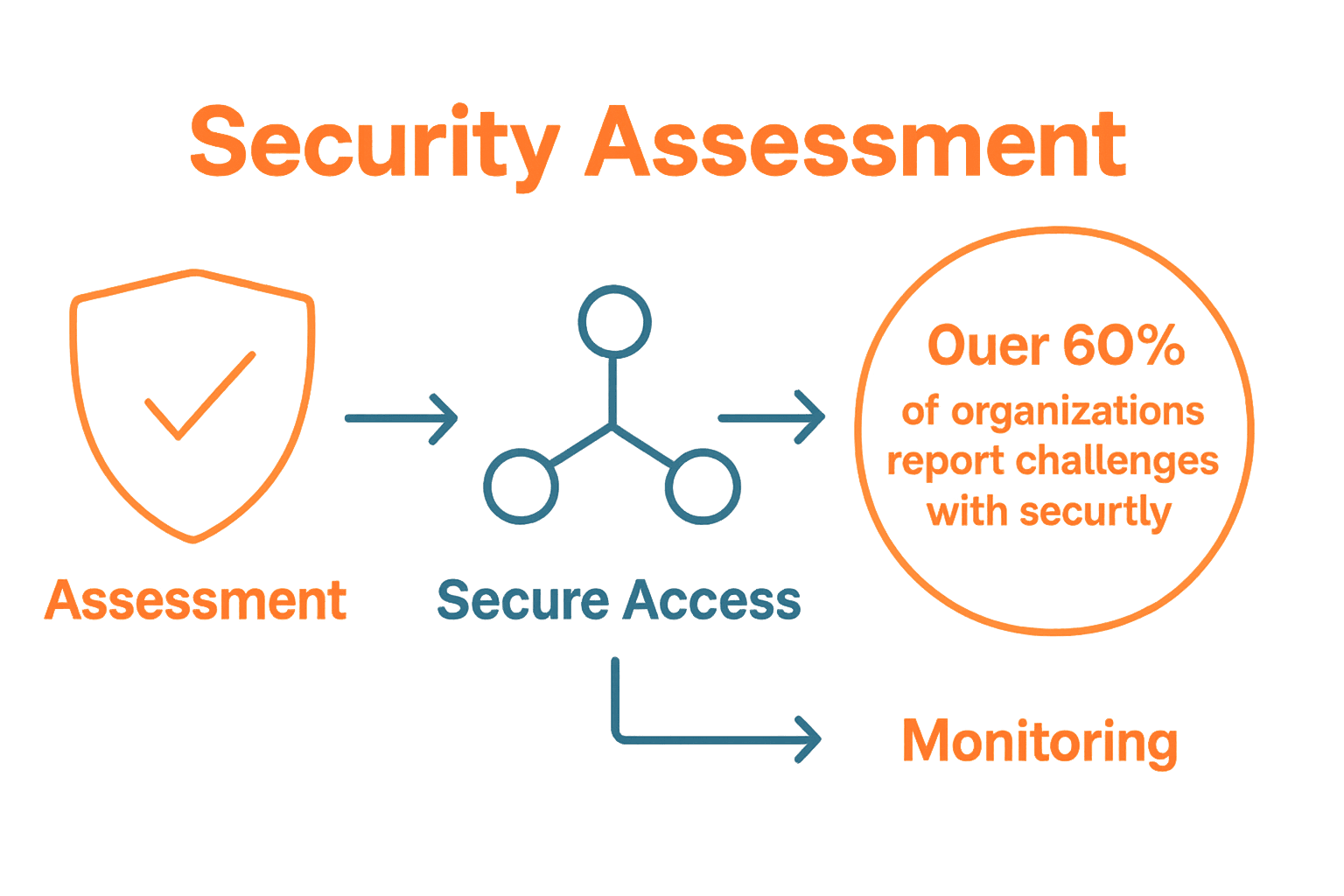
Remote access has become a lifeline for modern businesses, yet over 60 percent of organizations report challenges with security and performance when supporting offsite teams. As companies grow more dependent on flexible work options, the risks and demands of remote connectivity can quickly outpace outdated systems. Whether you manage a small firm or a large enterprise, learning how to secure, monitor, and optimize remote access makes the difference between seamless operations and costly vulnerabilities.
Quick Summary
| Key Point | Explanation |
|---|---|
| 1. Assess current remote access needs | Conduct a thorough inventory of devices used for work to identify vulnerabilities and security gaps. |
| 2. Implement secure remote access solutions | Adopt Zero Trust Architecture to ensure continuous authentication and protect your organization’s digital infrastructure. |
| 3. Configure access controls wisely | Use the principle of least privilege to limit access based on job roles, reducing potential security risks. |
| 4. Monitor and audit remote connections | Establish robust tracking and alert systems to detect suspicious activities promptly and maintain security integrity. |
| 5. Test remote access performance regularly | Conduct performance tests to optimize connection speeds and reliability, ensuring high productivity for remote workers. |
Step 1: Assess Current Remote Access Needs
Understanding your organization’s remote access requirements is the critical first step in creating a secure IT infrastructure. According to research from arxiv.org, small and medium businesses can effectively evaluate their remote access needs through a systematic assessment process that identifies potential vulnerabilities and security gaps.
To begin assessing your remote access needs, start by conducting a comprehensive inventory of all devices currently used for accessing company systems. This includes personal smartphones, laptops, tablets, and home computers that employees might use for work. Arxiv.org highlights the significant cyber risks associated with Bring-Your-Own-Device (BYOD) practices, making it essential to document every potential entry point into your network.
Key assessment areas should include:
- Current number of remote workers
- Types of devices used
- Frequency of remote access
- Sensitive data accessed remotely
- Existing security protocols
Pro tip: Don’t just focus on the technology. Consider your workforce’s working patterns and how remote access supports their productivity while maintaining robust security standards. Remote Workforce Cybersecurity Strategies can provide additional insights into developing a comprehensive approach.
Once you have a clear picture of your remote access landscape, you will be prepared to design targeted security strategies that protect your business without hindering employee efficiency.
Step 2: Implement Secure Remote Access Solutions
Implementing secure remote access solutions requires a strategic approach that protects your organization’s digital infrastructure while enabling flexible work environments. According to Seacom, enterprises can enhance their security posture by integrating Secure Access Service Edge (SASE) solutions that combine networking and security functions into a comprehensive framework.
Begin by adopting a Zero Trust Architecture (ZTA), which assumes no automatic trust for any user or device. As CIO SA highlights, this approach ensures continuous authentication and authorization for every access attempt. Key implementation steps include:
- Implementing multi-factor authentication
- Creating granular access controls
- Encrypting all remote connections
- Monitoring and logging all access attempts
- Using virtual private networks (VPNs)
Pro tip: Choose solutions that offer seamless integration with Secure Remote Work Solutions to minimize disruption and maintain user productivity. Your goal is to create a security framework that protects your business without creating unnecessary barriers for employees.
By carefully selecting and implementing robust remote access solutions, you will create a flexible yet secure environment that supports your organization’s evolving work practices.
Step 3: Configure Access Controls and User Permissions
Configuring robust access controls and user permissions is a critical step in protecting your organization’s digital assets and maintaining secure remote access. According to Law Society of South Africa, implementing comprehensive cyber controls is essential for preventing unauthorized access and securing administrative accounts.
Begin by establishing a principle of least privilege, which means granting employees only the minimum level of access required to perform their specific job functions. This approach significantly reduces potential security vulnerabilities. Key steps in configuring access controls include:
- Implementing multifactor authentication
- Creating role based access permissions
- Establishing clear user groups with specific access levels
- Regularly reviewing and updating user permissions
- Monitoring and logging all access attempts
Pro tip: Leverage User Access Management tools to streamline the process of managing complex permission structures while maintaining granular control over your organization’s digital resources. Remember that effective access control is an ongoing process that requires continuous evaluation and adjustment.
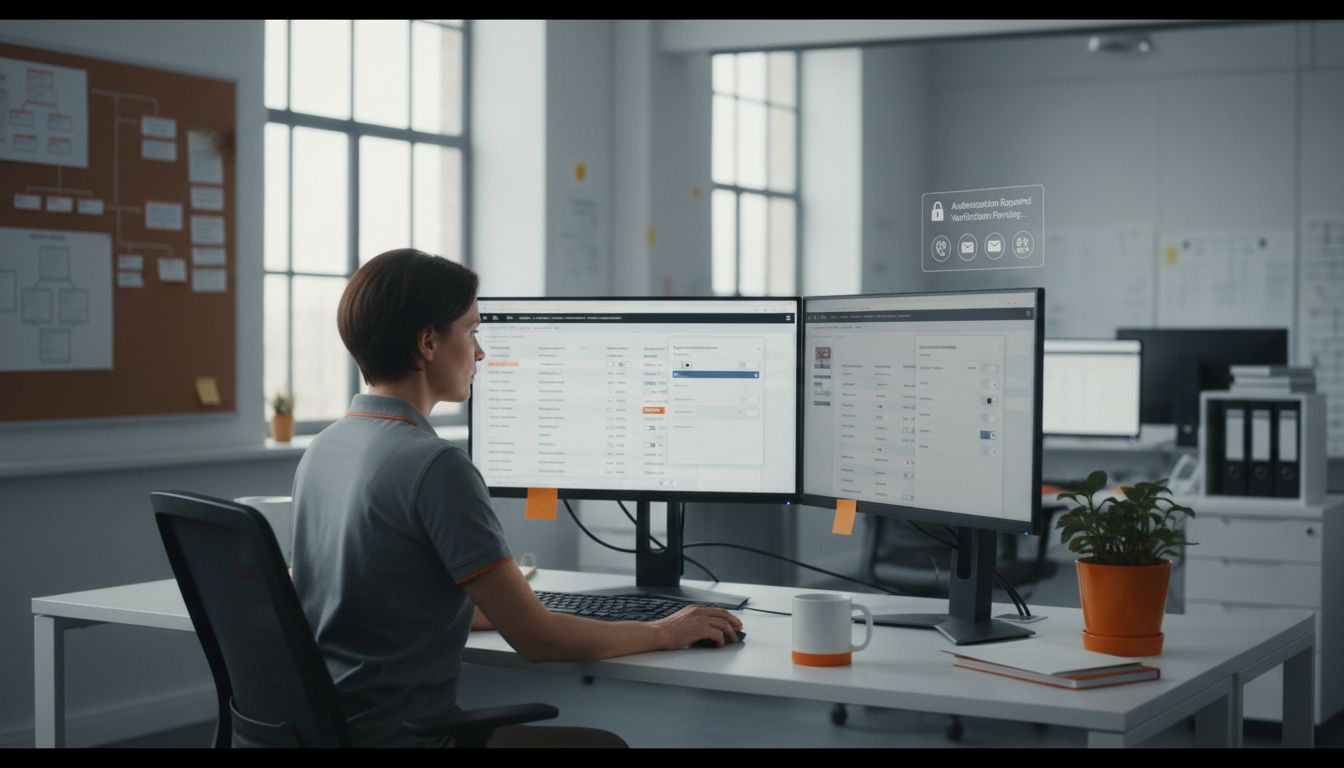
By meticulously configuring access controls and user permissions, you create a dynamic security framework that protects sensitive information while enabling your team to work efficiently and securely.
Step 4: Monitor and Audit Remote Connections
Monitoring and auditing remote connections is a crucial step in maintaining the security and integrity of your organization’s digital infrastructure. According to ITWeb, implementing comprehensive solutions like Citrix SD-WAN and Remote PC Access can provide secure and manageable remote connection monitoring.
To effectively monitor remote connections, establish a comprehensive logging and tracking system that captures detailed information about each access attempt. Key monitoring strategies include:
- Implementing real time connection tracking
- Setting up automated alert systems for suspicious activities
- Conducting regular comprehensive access logs review
- Using edge AI technologies for advanced threat detection
- Creating detailed user access reports
Pro tip: Leverage top remote network monitoring benefits to transform your monitoring from a reactive to a proactive security approach. As ITWeb highlights, edge AI can enable real time data processing and decision making at your network’s edge.
By implementing robust monitoring and auditing processes, you create a vigilant security environment that can quickly detect and respond to potential remote access threats.
Step 5: Test and Optimize Remote Access Performance
Testing and optimizing remote access performance is critical for ensuring smooth and efficient digital operations across your organization. According to research from arXiv, remote communication technologies often face significant challenges like slow transmission speeds and intermittent connectivity, making performance optimization essential for maintaining productivity.
Begin by conducting comprehensive performance tests that evaluate key metrics of your remote access infrastructure. Critical testing strategies include:
- Measuring connection latency and response times
- Evaluating bandwidth utilization
- Simulating multiple concurrent user scenarios
- Testing failover and redundancy mechanisms
- Analyzing network path performance
Pro tip: Leverage Network Performance Monitoring techniques to gain deeper insights into your remote access ecosystem. As arXiv research suggests, implementing robust Service Level Agreements (SLA) and Access Control Lists (ACL) can significantly reduce vulnerabilities while improving overall network performance.
By systematically testing and optimizing your remote access infrastructure, you create a resilient and responsive digital workplace that supports your team’s productivity and operational effectiveness.
Secure Your Business with Expert Remote Access Management
Managing remote access effectively is vital for any company dealing with increasing security threats and evolving work patterns. The article highlights key challenges like configuring access controls, implementing Zero Trust principles, and continuously monitoring remote connections to prevent unauthorized access and data breaches. If your business struggles with safeguarding sensitive information while maintaining employee productivity, you are not alone.
At Techtron, we understand the pressure on engineering and financial firms to protect their digital assets without burdening their teams with complex IT demands. Our comprehensive Secure Remote Work Solutions and User Access Management services are designed to build a resilient security environment tailored to your specific needs. Take control of your remote infrastructure today by partnering with experts committed to proactive security and seamless IT management.
Explore how we can help you strengthen your remote access framework while boosting operational efficiency. Visit Techtron’s main page now and secure your business for the future.
Frequently Asked Questions
How do I assess my organization’s remote access needs?
Begin by conducting a comprehensive inventory of all devices used for remote work, including personal smartphones and laptops. Identify key factors like the number of remote workers and the sensitive data accessed. This assessment helps pinpoint vulnerabilities and informs your security strategy.
What secure remote access solutions should I implement?
Adopt a Zero Trust Architecture (ZTA) for your organization’s remote access. Start with multi-factor authentication and granular access controls to ensure that only authorized users can access sensitive information.
How can I configure access controls for remote employees?
Establish a principle of least privilege by granting employees the minimum level of access they need for their job roles. Regularly review these permissions and utilize user groups to maintain control over access levels effectively.
What are the best practices for monitoring remote connections?
Implement real-time connection tracking and set up automated alerts for any suspicious activities. Regularly review access logs and use advanced technologies for threat detection to maintain a secure environment.
How can I optimize remote access performance for my team?
Conduct performance tests to evaluate metrics like latency and bandwidth utilization. Simulate multiple user scenarios to identify any bottlenecks and optimize your remote access infrastructure accordingly to ensure smoother operations.