
Best Cloud Backup Tools for Companies – Expert Comparison 2025
Every business faces the challenge of keeping data safe and systems running smoothly. With so many IT solutions available, finding the right mix of backup, security, cloud access and support can feel overwhelming. Some providers promise hands-off management, others focus on tight security or seamless recovery after problems hit. The true differences come down to how each one handles daily risks and urgent disasters. Curious about which approach makes sense for your needs? Keep reading to see how top choices stack up.
Table of Contents
Techtron
At a Glance
Techtron is a Cape Town and Johannesburg–based managed IT provider built for professional services firms that need reliable, hands-off IT. It combines fully managed and co-managed models with integrated backup, threat monitoring and Microsoft 365/Azure cloud services to deliver operational continuity for businesses with 20–300 staff. Bottom line: if you want a single partner to reduce IT burden, secure data and ensure fast recovery, Techtron is purpose-built for that mission.
Core Features
Techtron offers a clear, practical feature set aimed at business continuity and managed operations: fully managed IT for a fixed monthly fee, co-managed support to extend in-house teams, data backup and recovery with 2TB cloud data included, active threat monitoring and cybersecurity, one-click remote support and troubleshooting, firewall services, Microsoft Office 365 and Azure hosting, plus server and network monitoring and hosted services. These capabilities are bundled to move routine ops off your plate while keeping visibility and control.
Pros
- Efficient, cost-effective IT management: Techtron’s fixed monthly model simplifies budgeting and drives predictable operational costs for mid-sized companies.
- Co-managed support to augment internal teams: The service is designed to plug into existing IT teams, providing extra capacity and specialised expertise when you need it.
- Reliable backup and recovery: With 2TB of cloud data included and guided recovery processes, Techtron prioritises fast restoration and data integrity.
- Proactive security and monitoring: Continuous threat monitoring and firewall services reduce breach windows and improve detection — a vital capability for financial and engineering firms.
- Local presence in Cape Town and Johannesburg: Local offices mean faster on-site response times, cultural alignment and easier compliance conversations.
Who It’s For
Techtron is aimed squarely at professional service companies — especially engineering and financial firms — with 20+ employees operating in Cape Town and Johannesburg, or businesses that prefer a South African partner. It suits organisations that need enterprise-grade security and cloud integration but want a cost-effective, managed approach rather than building large internal teams. If your in-house IT needs augmentation or you require a hands-off service to guarantee backups and monitoring, this is for you.
Unique Value Proposition
Techtron’s strength lies in packaging managed operations, proactive security and cloud services into a single, locally based offering that removes complexity for decision-makers. Rather than selling point products, Techtron aligns backup (including 2TB cloud), disaster recovery, continuous threat monitoring and Microsoft/Azure hosting under a fixed monthly fee — making risk management measurable and costed. The co-managed option is a strategic differentiator: it allows your internal team to retain control over strategic projects while Techtron handles repetitive, security-sensitive tasks. The local footprint in Cape Town and Johannesburg shortens response cycles and simplifies regulatory or client-facing compliance discussions. Any perceived limitations — for example, not publishing granular pricing or heavily marketing enterprise-only solutions — are intentional design choices that favour tailored, relationship-driven engagements over one-size-fits-all enterprise catalogues.
Real World Use Case
A medium-sized engineering firm engaged Techtron to take over security monitoring, backups and network management. Techtron implemented 2TB cloud backups, configured Azure-hosted services for project data and provided one-click remote support for staff. The result: the engineering team reclaimed billable hours previously spent firefighting IT, recovery time objectives dropped, and audit-readiness improved.
Pricing
Fixed monthly fee (specific pricing details not provided).
Website: https://techtron.co.za
Netsurit
At a Glance
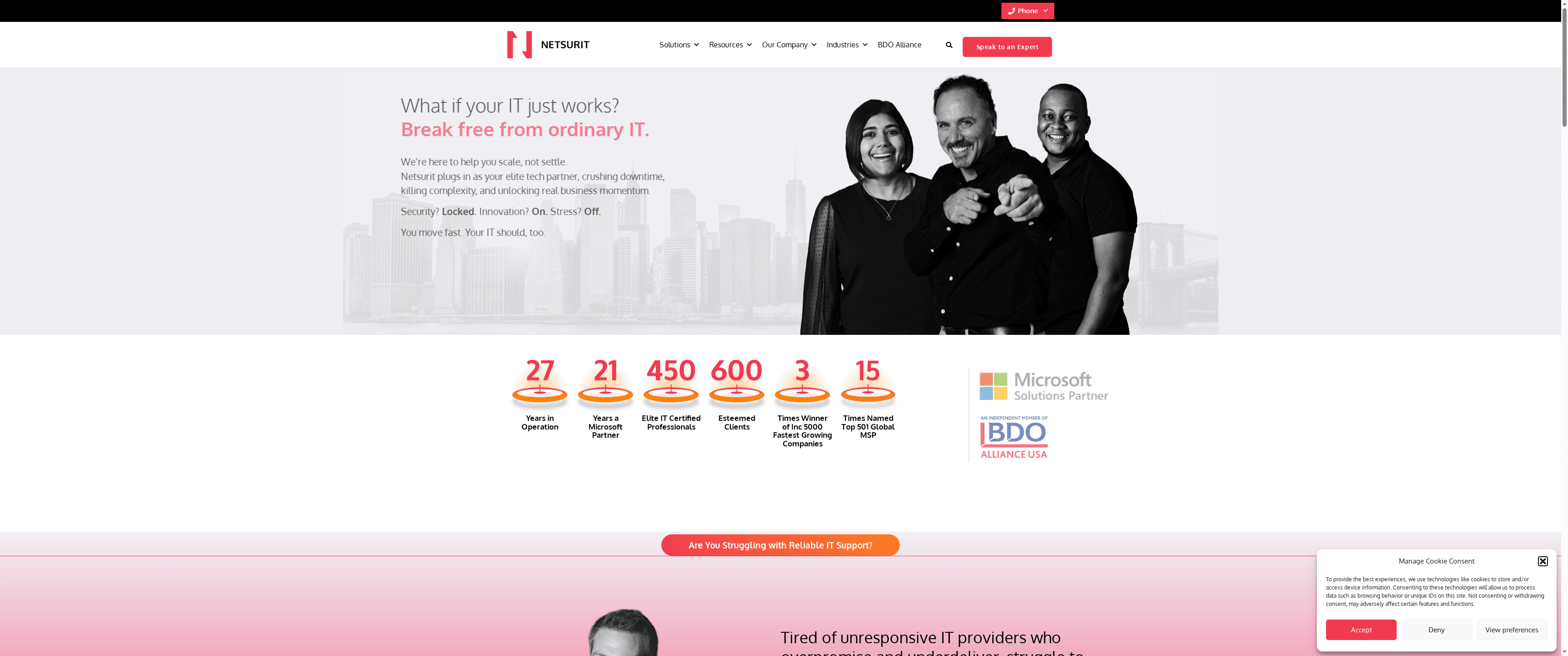
Netsurit delivers end-to-end IT management with a clear emphasis on security, cloud hosting and migration, and Microsoft platform support. For medium to large organisations seeking to outsource IT operations, Netsurit presents a consolidated option that reduces operational overhead and improves resilience. It’s not a budget pick for very small businesses, but it is a practical partner for companies aiming to scale and digitise without adding internal complexity.
Core Features
Netsurit combines managed IT services, cloud hosting and migration, and cyber security offerings—including network and endpoint protection—alongside Microsoft solutions such as Office 365 and SharePoint. The vendor also lists business intelligence and AI automation tools, professional IT consulting and project management, and cyber risk assessments with pen testing. Together, these capabilities cover infrastructure management, security posture, cloud transition and strategic IT advisory work in a single vendor relationship.
Pros
- Comprehensive managed services: Netsurit provides a broad set of services that let you consolidate daily IT operations and strategic projects under one provider, reducing vendor fragmentation.
- Strong security focus: The product mix emphasises cybersecurity—network and endpoint security plus risk assessments and pen testing—which helps organisations tighten defence and compliance.
- Tailored IT strategies: Netsurit positions itself to craft IT strategies suited to different business needs, which supports bespoke transformation programmes rather than one-size-fits-all packages.
- Microsoft partnership and recognition: Being recognised as a Microsoft partner and an industry award winner lends credibility to their Microsoft platform migration and management claims.
- Digital transformation orientation: The company explicitly targets digital growth, pairing managed services with BI and automation tools to support business outcomes, not just technology stack maintenance.
Cons
- Limited pricing transparency: The website does not specify detailed pricing or comparison options, so you must request a quote to confirm cost and value.
- Best suited to larger organisations: Netsurit might skew toward medium to large enterprises rather than smaller businesses with tight budgets or very simple needs.
- Public information is thin on packaging: There is limited publicly available information on specific service packages, which makes side‑by‑side comparisons with other providers harder without direct engagement.
Who It’s For
Netsurit is aimed at medium to large businesses that need comprehensive IT management, enhanced security, and support for cloud migrations and digital transformation. If you have 80+ employees, complex infrastructure, or regulatory and security demands, Netsurit fits the profile—especially if you prefer outsourcing to free internal teams for strategic initiatives.
Unique Value Proposition
Netsurit’s unique value lies in bundling managed IT operations, robust cybersecurity, and Microsoft platform expertise with consulting and automation capabilities—delivering continuity, security and transformation support from a single partner.
Real World Use Case
A company outsourced its entire IT infrastructure to Netsurit and reported increased operational efficiency, improved security posture, and freed internal resources to focus on core business activities—illustrating a typical outcome when firms move from reactive support to a managed, strategic model.
Pricing
Not specified on the website
Website: https://netsurit.com
Datto

At a Glance
Datto delivers a robust, MSP-focused platform that combines backup and disaster recovery, endpoint management, automation and security into a single vendor stack. If you run or partner with a managed service provider, Datto is built for scalability and recurring revenue—designed to protect clients across on‑premises, cloud and endpoint environments. Expect a steep learning curve up front, but also automation that reduces hands‑on firefighting and improves SLA delivery over time. Worth the investment if you need enterprise‑grade resilience.
Core Features
Datto’s core capabilities centre on backup and disaster recovery tailored for MSPs and IT teams, a security‑first cloud RMM for endpoint management, and unified management of Microsoft 365 alongside endpoints. The platform includes AI‑powered capabilities such as BackupIQ to automate routine operations and flag anomalies, plus deep integrations with Autotask PSA, VSA and Microsoft Teams to streamline ticketing, monitoring and collaboration. In short: protection, automation and operational consolidation.
Pros
- Comprehensive protection: Datto offers backup and disaster recovery solutions that minimise downtime and provide strong ransomware defence for clients.
- Cloud‑first security posture: The platform uses multiple security layers to safeguard backups and reduce attack surface.
- Automation with AI: Built‑in AI technologies automate routine tasks and proactively resolve issues, saving technician time.
- Unified management: Datto consolidates Microsoft 365 and endpoint administration into a single pane, cutting context switching for engineers.
- MSP growth support: Strong partner programmes and tools are designed to help MSPs build recurring revenue and scale service delivery.
Cons
- Solution complexity: Some Datto components are complex and require formal training to be used effectively by operations teams.
- Cost for smaller firms: The total cost can be high for small businesses that do not need the full breadth of MSP features.
- Limited public pricing: Detailed pricing is not listed on the website, meaning prospective buyers must contact sales for quotes.
Who It’s For
Datto is aimed squarely at managed service providers and IT teams that need scalability, automation and multi‑layered protection across client estates. If you manage multiple customer environments, deliver SLAs, or sell managed backup as a service, Datto gives the tooling to standardise delivery and grow monthly recurring revenue. Smaller single‑site businesses may find the platform richer than necessary.
Unique Value Proposition
Datto’s unique strength is in packaging backup, endpoint management and automation specifically for MSP workflows—combining AI‑driven operations, Microsoft 365 native support and PSA/RMM integrations so service providers can protect clients while scaling predictable revenue streams.
Real World Use Case
An MSP uses Datto to back up client servers, cloud mailboxes and remote endpoints; BackupIQ automates checks and surfaces anomalies, while integrated PSA/RMM tooling automates ticket creation and patching—resulting in fewer outages and faster SLA response times.
Pricing
Quote‑based: all‑inclusive, customisable subscription plans aimed at MSPs with a focus on supporting a monthly recurring revenue model.
Website: https://datto.com
Acronis
At a Glance
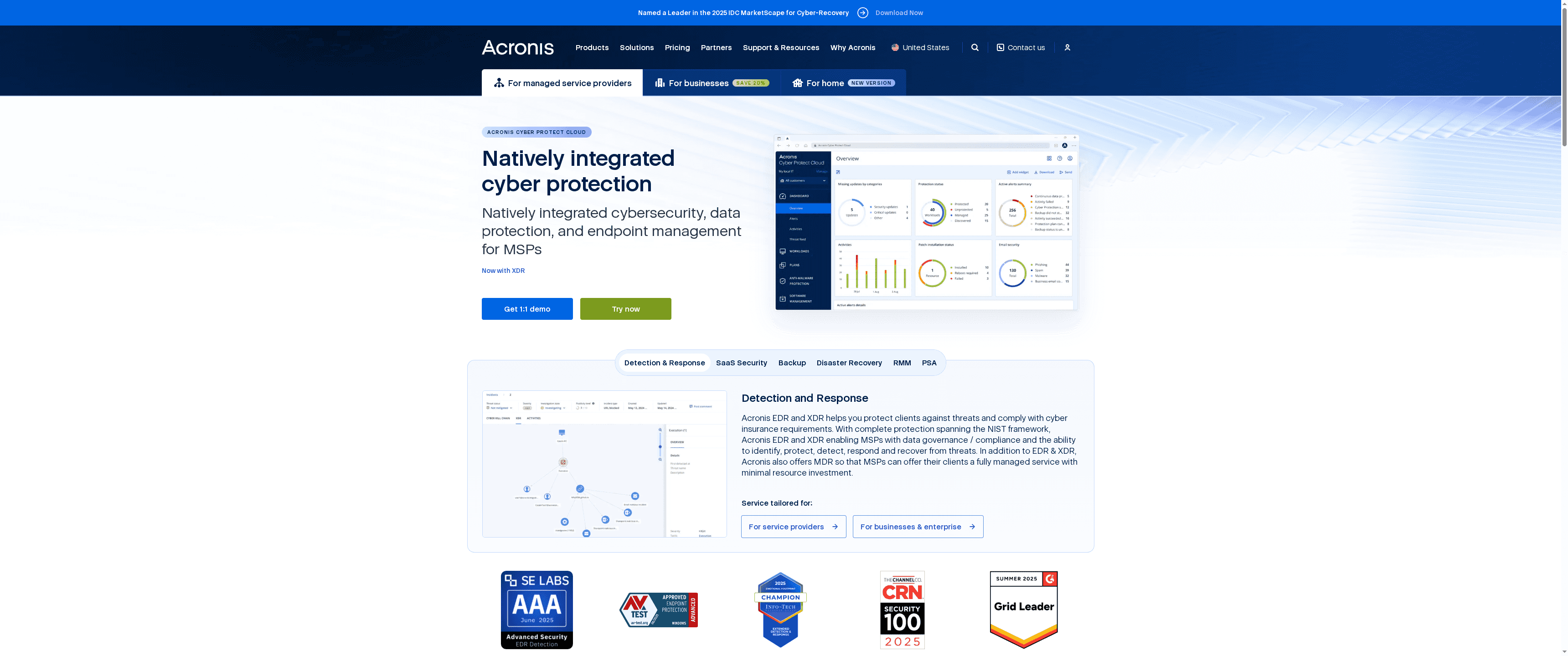
Acronis combines cybersecurity and data protection into a single, integrated platform designed for businesses and managed service providers (MSPs). It blends backup, disaster recovery and endpoint security into one offering, which simplifies vendor management and strengthens business continuity. Expect an enterprise-capable solution with global infrastructure, but plan for specialist input during deployment.
Core Features
Acronis offers cyber protection and data backup, disaster recovery, and both EDR and XDR endpoint detection and response tools. The platform also includes Microsoft 365 and Google Workspace email security, security posture management, email archiving, collaboration security and security awareness training aimed at MSPs and enterprises. These capabilities are packaged to protect data across endpoints, cloud workloads and on-prem infrastructure while enabling centralised management for service providers and internal IT teams.
Pros
- Integrated cyber protection and backup: Acronis unifies cybersecurity, backup and endpoint management into a single platform, reducing the need to stitch multiple vendors together.
- Tailored offerings for different users: The product line is segmented for home users, businesses and service providers, allowing you to choose capabilities aligned with your operational model.
- Global data-centre footprint: With over 50 data centres, Acronis provides geographic redundancy that supports resilient data protection and compliance strategies.
- Industry recognition and certifications: The vendor’s recognition for cybersecurity excellence can reassure risk-averse organisations and compliance-focused teams.
- Strong partner and MSP programmes: Acronis supports MSPs with partner tools and programmes that help scale managed services and client onboarding.
Cons
- Pricing transparency is limited: The website content provided does not specify pricing, which means you will likely need to request quotes tailored to your product mix and user needs.
- Deployment complexity may demand specialists: The breadth of features can require technical expertise for optimal configuration and ongoing management, which increases setup time and operational overhead.
- Potential access friction: Browser incompatibility issues mentioned for website access could slow initial evaluation and procurement activities for some users.
Who It’s For
Acronis is best suited to organisations and MSPs that need an all-in-one cyber protection and data continuity platform, from small businesses to large enterprises. If your priority is consolidated security, centralised backup and the ability to deliver managed services at scale, Acronis fits well — especially where regulatory compliance and geographic redundancy matter.
Unique Value Proposition
Acronis’s key value lies in its integrated approach: cybersecurity and data protection together, backed by a global data-centre network and MSP-focused tooling. That combination helps reduce vendor sprawl while giving service providers a single console to protect and monetise backup and security services.
Real World Use Case
An MSP uses Acronis Cyber Protect Cloud to deliver backup, endpoint protection and ransomware defence to multiple clients from one dashboard. This reduces management overhead, improves response times during incidents and lets the MSP package continuity and security as a unified service offering.
Pricing
Not specified on the provided webpage content; likely varies by product and user requirements.
Website: https://acronis.com
Veeam Data Platform

At a Glance
Veeam Data Platform is a market-leading suite for data resilience that focuses on backup, recovery, portability, security and intelligence across cloud, on‑premises and hybrid estates. It’s trusted at scale — used by 67% of the Fortune 2000 and more than 550,000 customers — which speaks to its operational maturity and enterprise readiness. For organisations with complex multi‑cloud strategies and high security expectations, Veeam delivers a single vendor approach to protect data and accelerate recovery. Expect strong execution, but plan for technical complexity during rollout.
Core Features
Veeam’s core capabilities centre on reliable data backup and fast recovery, coupled with data portability to avoid vendor lock‑in. The platform embraces zero‑trust principles for security while feeding data intelligence that helps you manage and report on resilience. It supports cloud, on‑premises and hybrid environments, so you can protect workloads regardless of location. In short: backup, recover, secure, migrate and gain insights — all from one platform.
Pros
- Established market leader: Veeam holds the highest market share in backup and data protection platforms, giving you vendor stability and a broad partner ecosystem.
- Comprehensive coverage across environments: The platform supports cloud, on‑premises and hybrid setups, meaning your entire estate can be protected under one policy framework.
- Security built on zero‑trust principles: Veeam emphasises security, which helps reduce exposure to threats such as ransomware and supports compliance objectives.
- Proven at scale: Trusted by 67% of the Fortune 2000 and over 550,000 customers worldwide, the solution is proven in large, complex deployments.
- Strong execution and visibility: Industry recognition for ability to execute and market share indicates consistent product development and commercial support.
Cons
- Lack of published limitations on the website: The vendor site does not detail specific product drawbacks, which makes independent risk assessment harder before trial.
- No public pricing details: Pricing is not specified on the website, so procurement requires direct engagement and a quote — plan for time in the buying cycle.
- Implementation complexity may vary: Deployment and operational complexity can increase with environment size and heterogeneity, so expect implementation effort for complex estates.
Who It’s For
Veeam is aimed at organisations of all sizes that require reliable data protection across multiple platforms, especially those with complex, multi‑cloud architectures and demanding security or compliance needs. IT managers, service providers and decision‑makers seeking an enterprise‑grade backup and recovery platform will find this suited to business continuity and ransomware recovery planning.
Unique Value Proposition
Veeam combines broad platform support with industry‑leading market presence and security-first design, delivering an integrated approach to backup, portability and intelligence. That blend of scale, security and cross‑platform support is its standout value for organisations that cannot tolerate downtime or data loss.
Real World Use Case
A multinational enterprise uses Veeam to secure its multi‑cloud environment: backups span public cloud instances and on‑premises systems, rapid recovery procedures mitigate ransomware incidents, and data portability simplifies migrations between platforms.
Pricing
Not specified on the website.
Website: https://veeam.com
Managed IT Service Providers Comparison
This comparison table provides an overview of several managed IT service providers, highlighting their core features, pros, cons, target audience, and pricing models.
| Provider | Core Features | Pros | Cons | Pricing |
|---|---|---|---|---|
| Techtron | Fully managed IT, cloud backups, threat monitoring, Microsoft 365/Azure hosting | Cost-effective, co-managed support, reliable recovery, local presence | Local focus, tailored engagements over one-size-fits-all | Fixed monthly fee (details not provided) |
| Netsurit | Managed IT, cloud hosting and migration, cybersecurity, Microsoft solutions | Comprehensive services, strong security focus, tailored strategies | Limited pricing transparency, best for larger orgs | Not specified |
| Datto | Backup and disaster recovery, endpoint management, AI automation, RMM/PSA integration | Comprehensive protection, cloud-first security, MSP growth support | Complexity for smaller firms, requires formal training | Quote-based subscription plans |
| Acronis | Integrated backup and cybersecurity, EDR/XDR, global data centers | Unified platform, tailored offerings, strong partner programs | Limited pricing transparency, deployment may require specialists | Not specified |
| Veeam | Data backup/recovery, data portability, zero-trust security | Market leader, supports multi-environment protection, trusted at scale | Requires direct engagement for pricing, potential complexity | Not specified |
Safeguard Your Business with Trusted Cloud Backup Solutions
In today’s digital landscape, the challenge of choosing the best cloud backup tool that offers reliable data protection with seamless recovery is critical. Companies highlighted in the article seek robust backup, disaster recovery, and proactive cybersecurity to avoid costly downtime and data loss. You need more than just a backup service. You want peace of mind knowing your data and operations stay secure and swiftly recoverable.
At Techtron, we specialise in managed IT services tailored for professional firms like engineering and financial businesses that demand dependable cloud integration and comprehensive backup solutions. Our services include fully managed and co-managed IT models that reduce your technical burdens through hands-off IT management, continuous threat monitoring and 2TB cloud backup storage. This approach guarantees operational continuity while enhancing compliance and security.
Ready to move beyond complex IT decisions and secure your companys future with an expert partner. Discover our managed IT services designed to protect your valuable data and empower your internal teams. Don’t wait until data loss disrupts your business; contact Techtron today for a personalised consultation and start experiencing reliable cloud backup and disaster recovery now.
Frequently Asked Questions
What are the key features to look for in cloud backup tools for companies?
Look for features such as data encryption for security, automated backup schedules for efficiency, and easy recovery options for quick data retrieval. Prioritize tools that also offer scalability to accommodate your company’s growth and compliance with data regulations.
How can cloud backup tools improve data recovery times for my business?
Cloud backup tools enhance data recovery times by providing faster restoration processes compared to traditional backups. Many solutions offer features like one-click recovery, which can potentially reduce downtime by up to 50% during data restoration.
What criteria should I use to compare different cloud backup tools?
When comparing cloud backup tools, consider factors like storage capacity, pricing models, security measures, and customer support. Create a checklist of these criteria to evaluate how each option aligns with your business needs.
How do I ensure that a cloud backup tool complies with data regulation standards?
To ensure compliance with data regulations, verify that the cloud backup tool offers features like data encryption and localized storage options. Also, look for certifications or compliance statements from the provider regarding standards like GDPR or HIPAA.
What is the expected time frame to fully implement a cloud backup solution for my company?
The implementation time for a cloud backup solution can vary based on the provider and company size but typically ranges from 30 to 60 days. Start by drafting a project timeline that includes setup, migration, and testing phases to streamline the process.
Can I integrate cloud backup tools with existing IT infrastructures?
Yes, most cloud backup tools are designed to integrate with existing IT infrastructures, including other software and hardware systems. Review integration capabilities during the selection process to ensure seamless compatibility and plan your integration strategy in advance.